API Keys
Overview
API keys are essential credentials that authenticate your requests to the TimeTime API. They provide a secure way to identify your application and control access to TimeTime's features and data.
Generating an API Key
To generate a new API key:
- Log in to your TimeTime account
- Navigate to the "Developers" section in your dashboard
- Access the API Keys management page: https://app.timetime.in/dashboard/profile/developers
- Click on the "Generate New API Key" button
- Provide a descriptive name for your key (e.g., "Production App", "Development Environment", "Testing")
- Copy and securely store your newly generated API key immediately - it will only be shown once
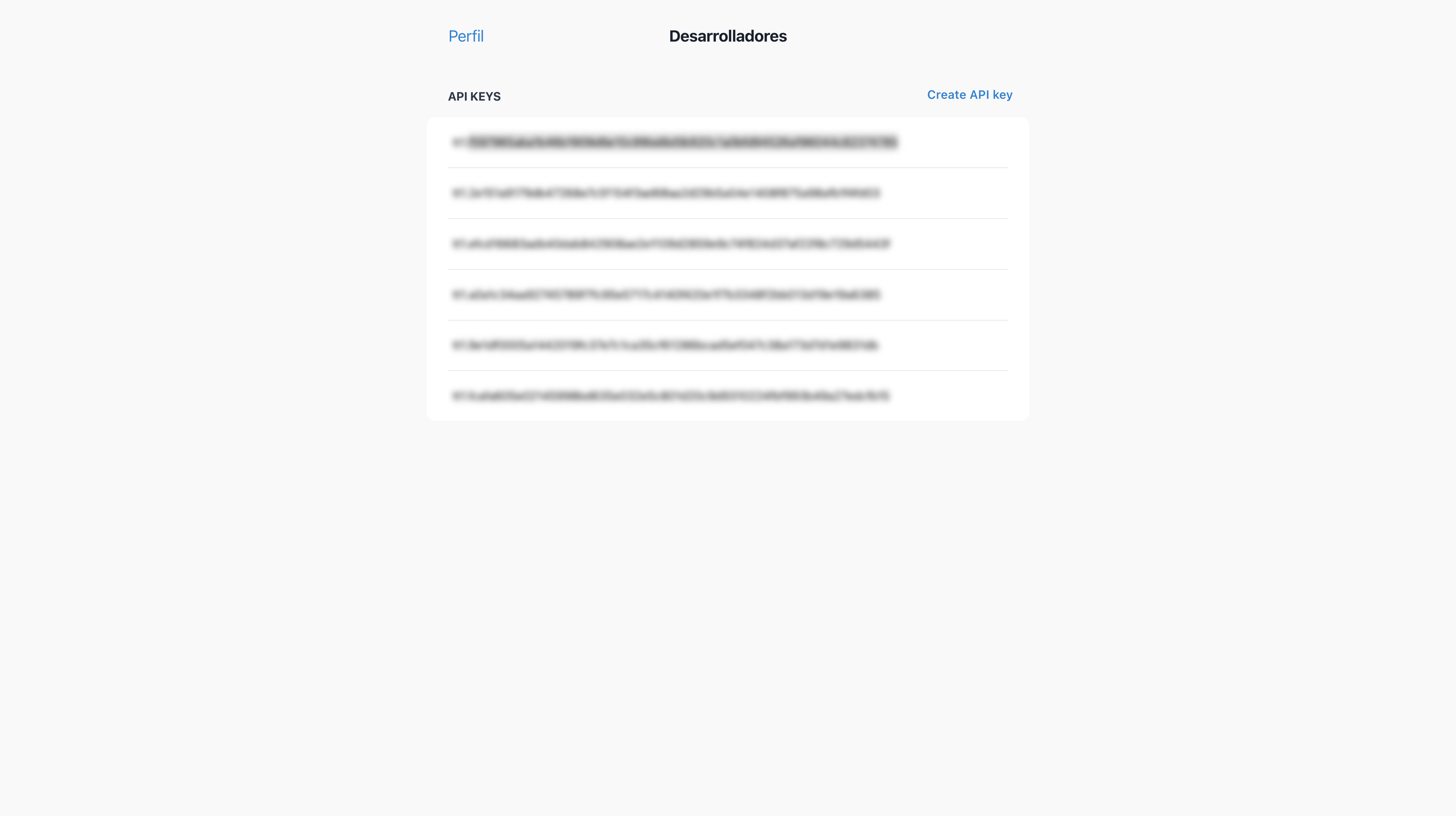
API Key Format
TimeTime API keys follow this format:
tt1.ac507ef948a04[...]5304fa7b4abd936d8e2add1
The key begins with tt1. prefix followed by a unique alphanumeric string.
Security Best Practices
API keys provide direct access to your TimeTime account and data. Follow these security practices:
- Never expose your API key in client-side code - Keys should be stored securely on your server
- Use environment variables - Store keys in environment variables rather than hardcoding them
- Implement key rotation - Periodically generate new keys and deprecate old ones
- Use separate keys for different environments - Use different keys for development, staging, and production
- Apply principle of least privilege - Generate keys with only the permissions required for their specific use case
- Monitor key usage - Regularly review API usage for suspicious activities
API Key Storage Examples
Node.js
// Using environment variables (recommended)
const apiKey = process.env.TIMETIME_API_KEY;
Python
# Using environment variables
import os
api_key = os.environ.get('TIMETIME_API_KEY')
PHP
// Using environment variables
$apiKey = getenv('TIMETIME_API_KEY');
Using Your API Key
Once you have generated an API key, you'll need to include it in your API requests for authentication. Learn how to use it in the Authentication section.
Key Management
Key Limitations
- API keys don't expire automatically but can be manually revoked
- Rate limits apply to API requests and are enforced per API key
Next Steps
Now that you have your API key, proceed to Authentication to learn how to use it to make authenticated requests to the TimeTime API.